You will be able to validate your attendance (Check-In to sessions) using your personal schedule.
Type:
Everyone Welcome clear filter
7:30am MDT
Breakfast
Tuesday July 21, 2026 7:30am - 8:15am MDT
8:15am MDT
9:00am MDT
Gaming with GimKit: Level Up Learning!
Tuesday July 21, 2026 9:00am - 9:45am MDT
Speakers 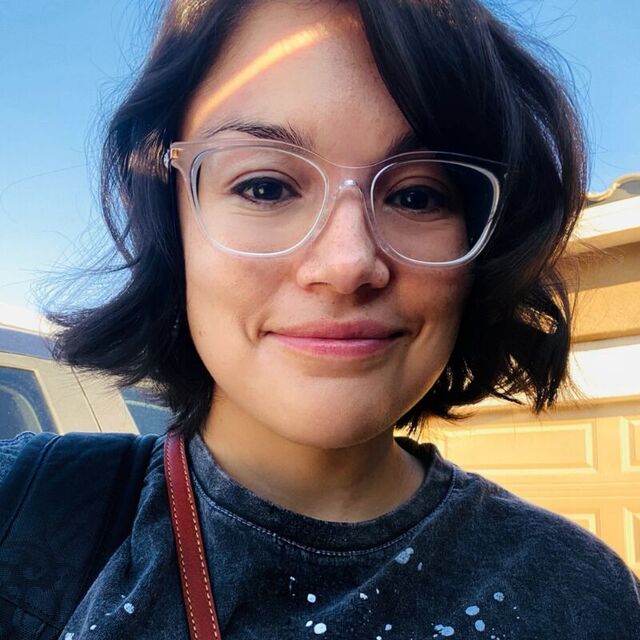
1st Grade Teacher, Sandia Vista Elementary
Hi! My name is Esmeralda (Essie for short), and I’m a first-grade teacher at Sandia Vista Elementary. I’ve been teaching for five and a half years, following a ten-year career in web and graphic design, as well as marketing. I received my BA in Theatre from UNM in 2013. Go Lo...
Read More →
Tuesday July 21, 2026 9:00am - 9:45am
MDT
300
9:00am MDT
Getting Started with Edpuzzle
Tuesday July 21, 2026 9:00am - 9:45am MDT
Speakers 
School Success Associate, Edpuzzle
Sarah Caffee brings 15 years of experience in education to her role as an Edpuzzle trainer. She has taught special education at both the elementary and high school levels, early math and literacy, and 9th grade history. Beyond the classroom, she has served as a high school principal...
Read More →
Tuesday July 21, 2026 9:00am - 9:45am
MDT
302
9:00am MDT
Google Classroom: All That and a Bag of Chips
Tuesday July 21, 2026 9:00am - 9:45am MDT
Speakers 
Ed Tech, RRPS
I have taught 5th and second grade before becoming an Ed Tech in 2017.
I love helping others use technology and be excited about it.
Tuesday July 21, 2026 9:00am - 9:45am
MDT
301
9:00am MDT
Level Up: Canva Tools You’re Probably Not Using (But Should Be)
Tuesday July 21, 2026 9:00am - 9:45am MDT
Speakers 
Educational Technology Specialist, Joe Harris Elementary
I am the Educational Technology Specialist at Joe Harris Elementary, going on my 7th year. I spent the majority of my classroom time teaching 3rd grade before transitioning into the Ed Tech Role. I’m passionate about helping teachers integrate technology in meaningful, practical...
Read More →
Tuesday July 21, 2026 9:00am - 9:45am
MDT
127
9:00am MDT
10:00am MDT
10:00am MDT
Scan, Track, Grow
Tuesday July 21, 2026 10:00am - 10:45am MDT
Speakers 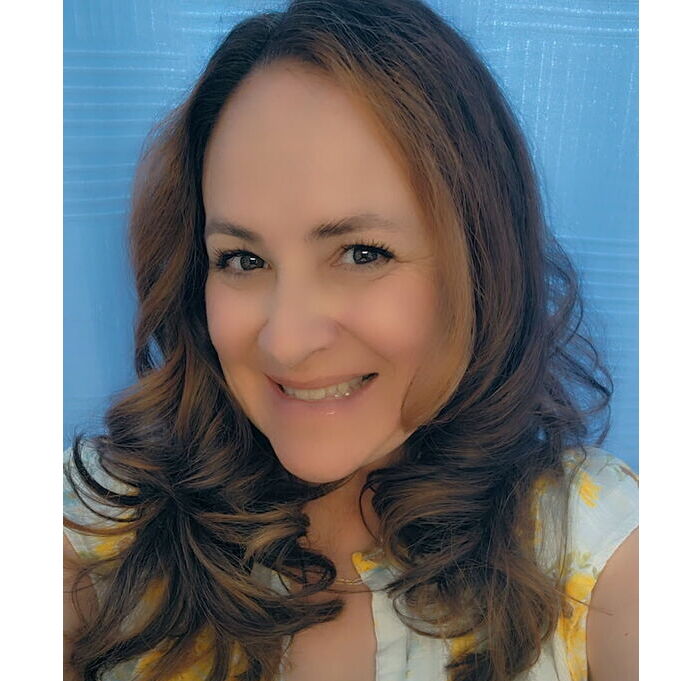
Ed Tech, Rio Rancho Elementary
I am currently in my 20th year in education. I have taught 4th grade general education as well as multiple grade levels in special education. This is my first year serving as an educational technology specialist, and I look forward to supporting the integration of technology within...
Read More →
Tuesday July 21, 2026 10:00am - 10:45am
MDT
311
10:00am MDT
Using Gemini AI as a Linguistic Scaffold
Tuesday July 21, 2026 10:00am - 10:45am MDT
Speakers ET
Rio Rancho Public Schools

Executive Director of Federal, Bilingual, and Native American Programs, Rio Rancho Public Schools
Suzanne is dedicated to fostering student-centered, culturally and linguistically responsive teaching and learning. In her role as Executive Director, she leads the delivery of well-rounded educational programs that prioritize high-quality services and community engagement. A tireless...
Read More →
Tuesday July 21, 2026 10:00am - 10:45am
MDT
301
11:00am MDT
Google Classroom: All That and a Bag of Chips
Tuesday July 21, 2026 11:00am - 11:45am MDT
Speakers
Ed Tech, RRPS
I have taught 5th and second grade before becoming an Ed Tech in 2017.
I love helping others use technology and be excited about it.
Tuesday July 21, 2026 11:00am - 11:45am
MDT
305
11:00am MDT
National Boards Summer Launch
Tuesday July 21, 2026 11:00am - 11:45am MDT
Speakers 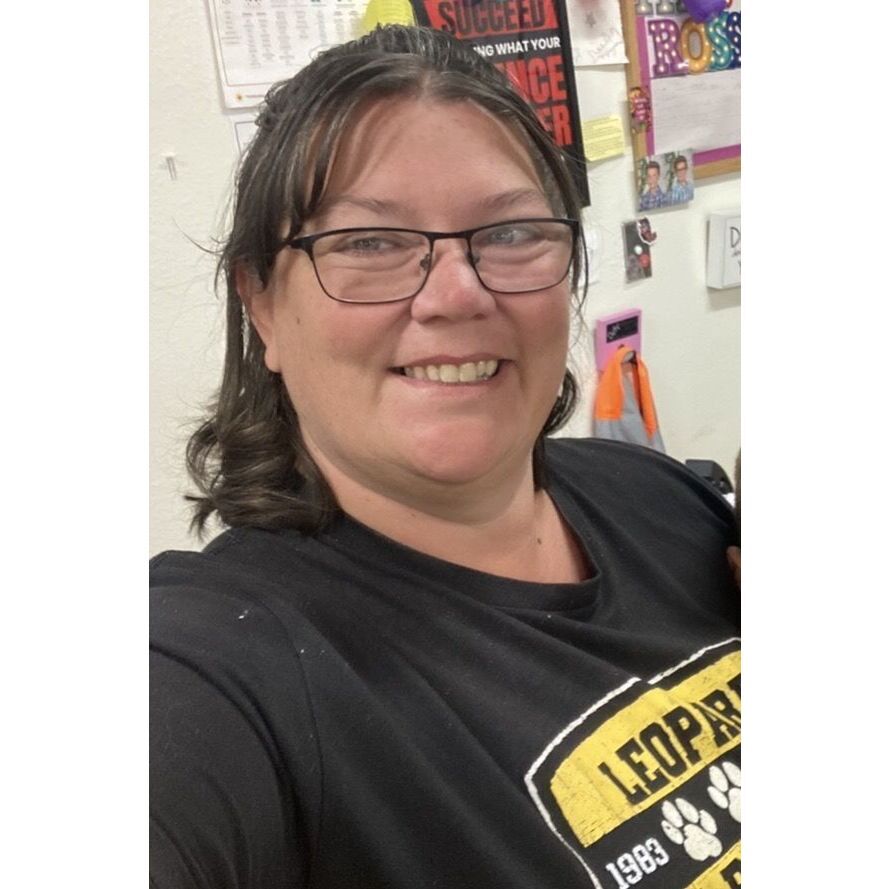
7th grade Science teacher, RRPS
Tuesday July 21, 2026 11:00am - 11:45am
MDT
320
11:00am MDT
12:00pm MDT
12:45pm MDT
12:45pm MDT
The Ultimate Gmail & Calendar Mixtape: Side A (Mail) & Side B (Calendar)
Tuesday July 21, 2026 12:45pm - 1:30pm MDT
Speakers 
Education Technology Specialist, Rio Rancho Middle School
Selena is a National Board Certified Teacher and a Google Certified Trainer and Educator. She taught 3rd-6th grades for 13 years before becoming an Education Technology Specialist 13 years ago. Selena is passionate about working with teachers to creatively engage students through...
Read More →
Tuesday July 21, 2026 12:45pm - 1:30pm
MDT
312
12:45pm MDT
You're a Gem- Exploring Google Gemini
Tuesday July 21, 2026 12:45pm - 1:30pm MDT
Speakers 
3rd grade teacher, RRPS
My name is
Angela Chrisman. I have been
teaching in public and charter schools for 17 years 👩🏻🏫. I graduated with my bachelor's and master's degrees in education (Curriculum and Instruction) from New Mexico Highlands University 🎓. I feel fortunate to be working...
Read More →JG
3rd grade teacher, RRPS-JHE
My name is Jessica George. The 2025/2026 school year will be my fourth year in the classroom. My teaching philosophy is to create a classroom environment that is inclusive, a place where all children and families feel welcome, regardless of race, gender, or social background.
Tuesday July 21, 2026 12:45pm - 1:30pm
MDT
301
1:45pm MDT
Great Scott! AI Tools to Take Your Classroom Back to the Future
Tuesday July 21, 2026 1:45pm - 2:30pm MDT
Speakers 
Resource Teacher, APS
Tina Nuñez is an Educational Technology & Instructional Resources Specialist with Albuquerque Public Schools, with over 20 years in education and 7+ years in EdTech. She designs and delivers professional learning for more than 6,000 educators, helping teachers bring AI, Google tools...
Read More →
Tuesday July 21, 2026 1:45pm - 2:30pm
MDT
318
2:45pm MDT
Getting Started with Edpuzzle
Tuesday July 21, 2026 2:45pm - 3:30pm MDT
Speakers
School Success Associate, Edpuzzle
Sarah Caffee brings 15 years of experience in education to her role as an Edpuzzle trainer. She has taught special education at both the elementary and high school levels, early math and literacy, and 9th grade history. Beyond the classroom, she has served as a high school principal...
Read More →
Tuesday July 21, 2026 2:45pm - 3:30pm
MDT
301
2:45pm MDT
Hue Can Boost Productivity: Mastering Google Workspace Color-Coding
Tuesday July 21, 2026 2:45pm - 3:30pm MDT
Speakers
Resource Teacher, APS
Tina Nuñez is an Educational Technology & Instructional Resources Specialist with Albuquerque Public Schools, with over 20 years in education and 7+ years in EdTech. She designs and delivers professional learning for more than 6,000 educators, helping teachers bring AI, Google tools...
Read More →
Tuesday July 21, 2026 2:45pm - 3:30pm
MDT
318
2:45pm MDT
Level Up: Canva Tools You’re Probably Not Using (But Should Be)
Tuesday July 21, 2026 2:45pm - 3:30pm MDT
Speakers
Educational Technology Specialist, Joe Harris Elementary
I am the Educational Technology Specialist at Joe Harris Elementary, going on my 7th year. I spent the majority of my classroom time teaching 3rd grade before transitioning into the Ed Tech Role. I’m passionate about helping teachers integrate technology in meaningful, practical...
Read More →
Tuesday July 21, 2026 2:45pm - 3:30pm
MDT
127
2:45pm MDT
Scan, Track, Grow
Tuesday July 21, 2026 2:45pm - 3:30pm MDT
Speakers
Ed Tech, Rio Rancho Elementary
I am currently in my 20th year in education. I have taught 4th grade general education as well as multiple grade levels in special education. This is my first year serving as an educational technology specialist, and I look forward to supporting the integration of technology within...
Read More →
Tuesday July 21, 2026 2:45pm - 3:30pm
MDT
302
3:30pm MDT